/icon_text_light_svg.svg)

The first version is a draft
Expect to play it and ask for changes. A shared game only gets good after someone else has tried the link.
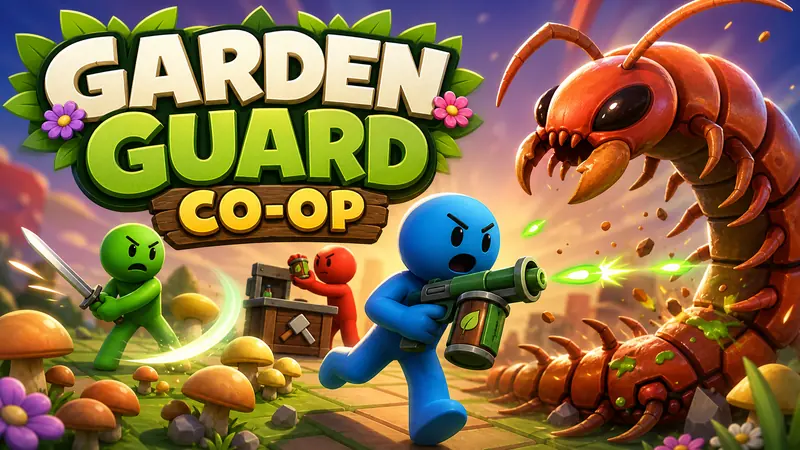
To make a game with friends, describe it in chat, publish it, and send one link. Friends open that link and play without creating an account. Multiplayer works in both 2D and 3D games, by sharing a link. Chatforce works with state-of-the-art AI models plus our own agent technology to make the code, art, music and sound for your game.
This page is about building the game. If you want the wider multiplayer overview, see the multiplayer game maker. If you want the step-by-step build, read how to make a multiplayer game without coding.
Write who plays, what they do together, and how a round ends. A sentence is enough: "Two friends run a food stall. One cooks, one serves, and a rush hits every thirty seconds." You can upload reference images for the look.
You choose 2D or 3D when you create the game, so decide the view first. 3D games run in real time and use models, lighting, and a directable camera.
Play one round yourself and note what is unclear. You can change it by chatting.
Hosting is taken care of: published games get their own link, can be played without an account, and have no watermark. Send that link. Friends open it and play. Every game has on-screen touch controls, so the link plays on phones too, and you can play your games on our mobile app.
Tell Chatforce one change at a time. "Make the orders bigger." "Give the second player a different job." "End the round at three minutes." Chatforce updates the same game.
| Decision | What to put in the description |
|---|---|
| Who plays | How friends interact: a shared goal, different jobs, or a short round against each other. |
| The view | 2D or 3D, chosen when you create the game. |
| How they join | You publish, then share the link. Friends play without an account. |
| The next change | Play one round, then ask for one change in chat. |
Expect to play it and ask for changes. A shared game only gets good after someone else has tried the link.
"Make a fun game for friends" gives you something average. Name the roles, the goal, and how a round ends.
You choose 2D or 3D when you create the game. Decide the view before you start.
You sign in to build. Friends can play the published link.
Yes. Hosting is taken care of: published games get their own link, can be played without an account, and have no watermark.
No. You describe the game and the changes in chat. Chatforce makes the code, art, music and sound.
Yes. Multiplayer works in both 2D and 3D games, by sharing a link. You choose 2D or 3D when you create the game.
Publish the game and send the link. They open it on a computer or phone and play. You can also play your games on our mobile app. Android is on Google Play, and iOS is coming soon.
Multiplayer works by sharing a link. Design the game for the group you have in mind, such as two people with different jobs or a short party round.
Chips pay for building and editing. An edit uses about 600 chips. Paid plans start at $19.99/month (Beginner, 1,800 chips a month); Pro is $44.99/month for 4,200 chips, and chip packs start at $6.99 for 500 chips.
Build the first version, play it, then share it.
Start building