/icon_text_light_svg.svg)

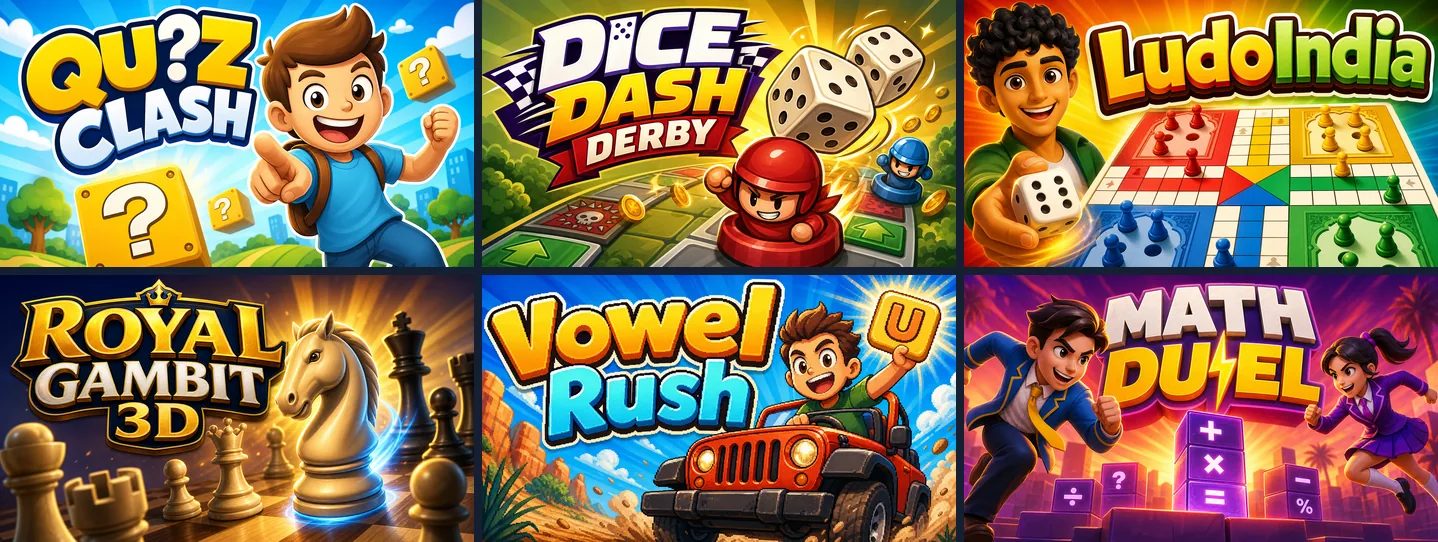
Play free online games with no download: open a Chatforce game link and start playing on desktop, Chromebook or phone. Nothing needs installing. You can also play in the Chatforce Android app; iOS is coming soon. Chatforce helps you make visually high-quality 2D and 3D games from text and/or reference images, with hosting, multiplayer and microtransaction support taken care of for you. The games look and play well because Chatforce combines state-of-the-art AI models plus our own agent technology.
Eight free games to start from a link
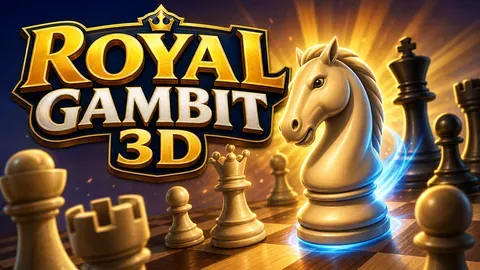
Chess Play
Open the link for full rules chess. Play the computer, share one device or send a friend a link for an online match.
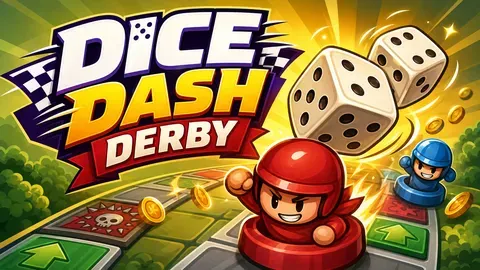
Dice Dash Derby
Start from the game link, roll the dice and choose a path through boosts and traps. Invite friends online or race against AI.
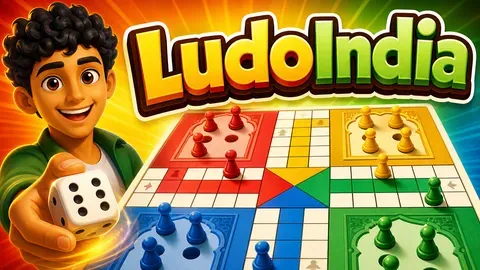
LudoIndia
Open Ludo from a link without installing a board game app. Play online with friends or pass one device around for dice rolls and captures.
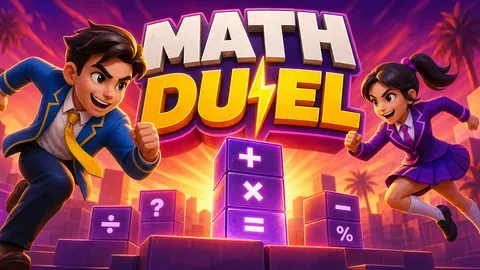
Math Duel
Follow the link to a ten-round quiz duel. Play on one device or invite a friend online and race to answer school subject questions.
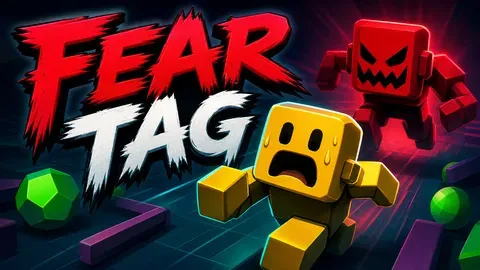
Fear Tag
Open the game and share the invite link for a scary game of tag. Runners flee while It tries to scare them still and tag them.
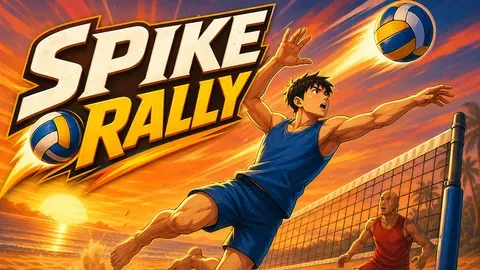
Spike Rally
Send a friend the link for online beach volleyball. Jump and time your spikes to score before the clock runs out.
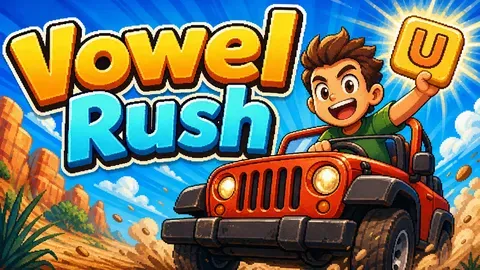
Vowel Rush
Open the link for a solo word puzzle or an online race. Fill in missing vowels before the fuel runs out.
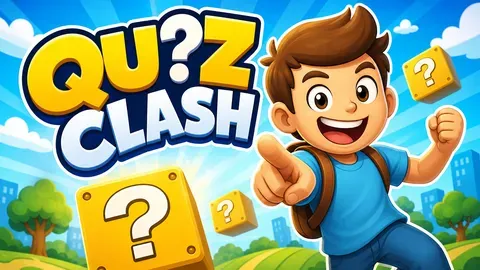
Quiz Clash
Start a trivia room from the game link and send the invite to friends. Everyone joins to answer general knowledge questions for speed points.
You can also make your own game by describing it to Chatforce. See how to make a game.
Play alone or share a link
Pick a game above and open its link. For multiplayer, start an online room and share the invite link with friends. Everyone joins on their own device.
Try Chess Play against the computer, Vowel Rush for word puzzles or Dice Dash Derby for a board game race. You can also make your own game by describing it in chat.
How to check a game needs no download
Open the game link in your browser. A no-download game lets you reach the game without running an installer, adding a browser plugin or installing an app. The games listed here open from their Chatforce links.
Bookmark the game link to find it again. A bookmark does not save your progress. If a game offers a save feature, check its instructions before closing it; do not assume progress carries between devices.
Playing on a Chromebook or phone
On a school or work Chromebook, managed settings may block game sites or apps even when no download is needed. Check which sites and apps your school or workplace allows. Opening a link does not bypass those restrictions.
On a phone, open the game link and use the on-screen touch controls. You can also play your games on our mobile app: Android is live, and iOS is coming soon. A Chromebook that supports Android apps may offer that option too, depending on its managed settings.
Frequently asked questions
Where can I play free games with no download?
Try Chess Play, Dice Dash Derby, LudoIndia, Math Duel, Fear Tag, Spike Rally, Vowel Rush or Quiz Clash from the links here. They are free to play without an installer or browser plugin. Managed school or work devices may block access.
Can I play with friends without downloading a game?
Yes. Multiplayer works by sharing a link. Open a multiplayer game, start a room and send its invite link to friends.
Does Chatforce have a mobile app too?
Yes. You can play your games on our mobile app. Android is live, and iOS is coming soon. You can also open game links in a phone browser.
Can I make my own game without coding?
Yes. Describe your game in chat and keep asking for changes. Chatforce supports 2D and 3D games, with multiplayer by sharing a link.
How can I tell whether a game really needs no download?
Open the game link in your browser. A no-download game lets you reach the game without running an installer, adding a browser plugin or installing an app. The games listed here open from their Chatforce links.
Can I play on a school or work Chromebook?
On a school or work Chromebook, managed settings may block game sites or apps even when no download is needed. Check which sites and apps your school or workplace allows. Opening a link does not bypass those restrictions.
Does saving the link save my game progress?
Bookmark the game link to find it again. A bookmark does not save your progress. If a game offers a save feature, check its instructions before closing it; do not assume progress carries between devices.