/icon_text_light_svg.svg)

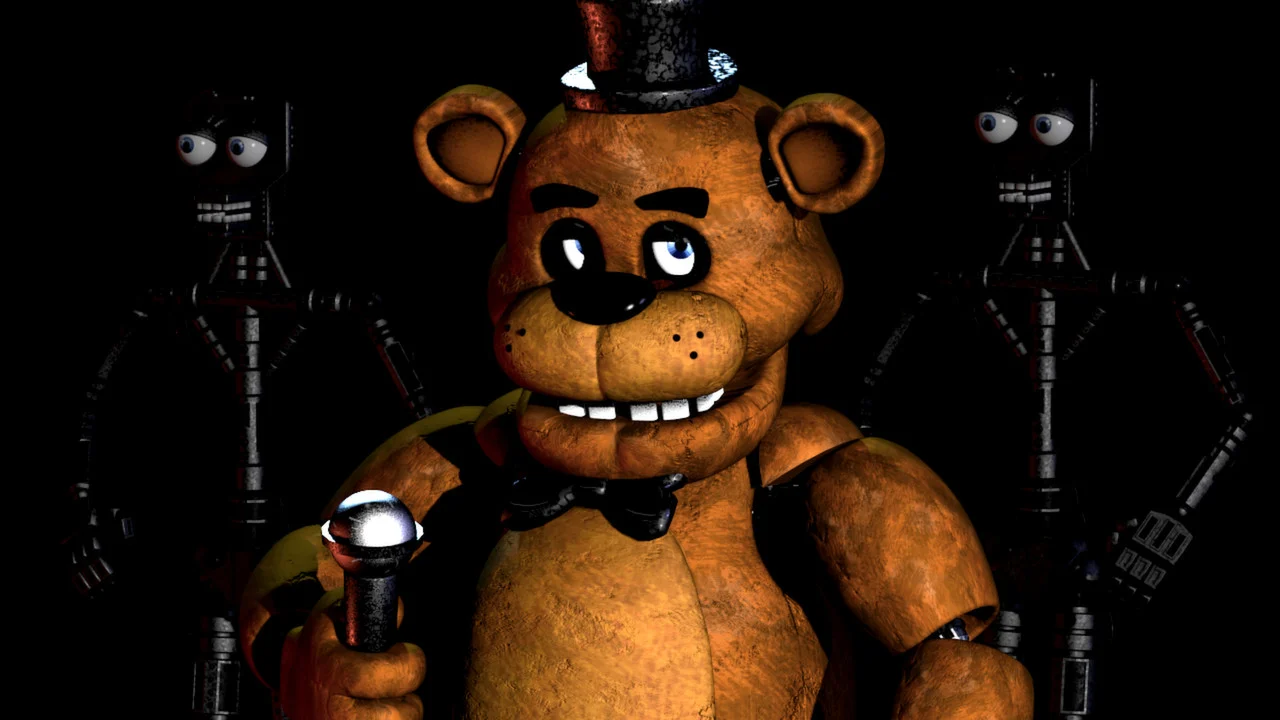
You can make a game like Five Nights at Freddy’s with Chatforce. Describe the cameras, the doors, the power meter, the night timer, and the jump scares first. Then describe the place the player is guarding, and what happens if something gets in. Choose 2D or 3D when you create the game, because that choice cannot be changed later. The result is a browser game at a URL. Players open it with no install and no account. Five Nights at Freddy’s is a reference for that night-guard loop only. Use your own names, characters, art, music, and story. Chatforce is not affiliated with Scott Cawthon or Steel Wool Studios. Many creators applying to Chatforce want to make horror games, and a night shift is one shape they describe.
Night-guard games made on Chatforce
These are original games published on Chatforce, not versions of Five Nights at Freddy’s. A longer list of games in the same neighborhood is on games like FNAF.
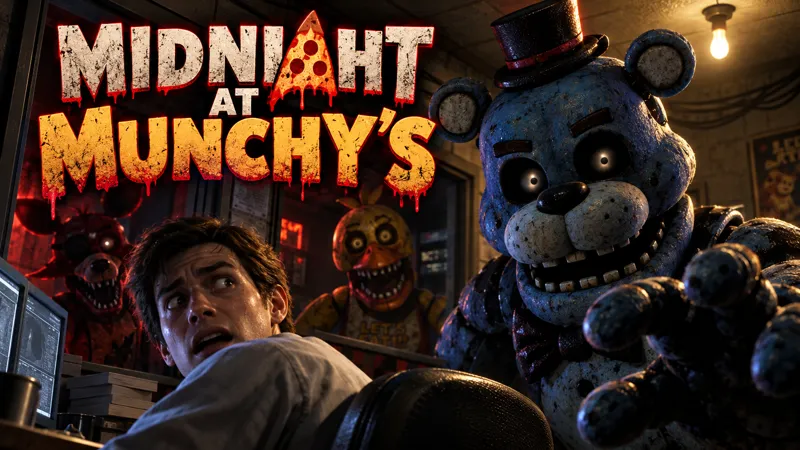 Midnight at Munchy’sMade with Chatforce
You are the night guard at Munchy’s pizzeria. Watch the cameras, save power, and fix what breaks while the animatronics hunt you.
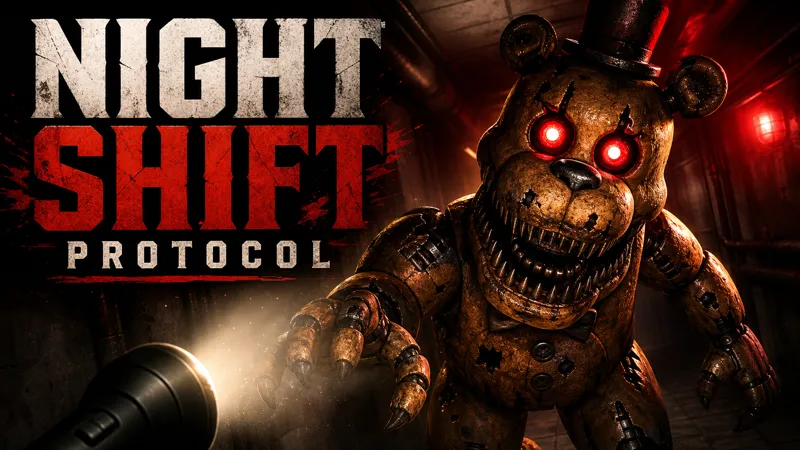 Night Shift ProtocolMade with Chatforce
You are alone in a dark building, and the animatronics are coming. Keep the power on long enough to survive until morning.
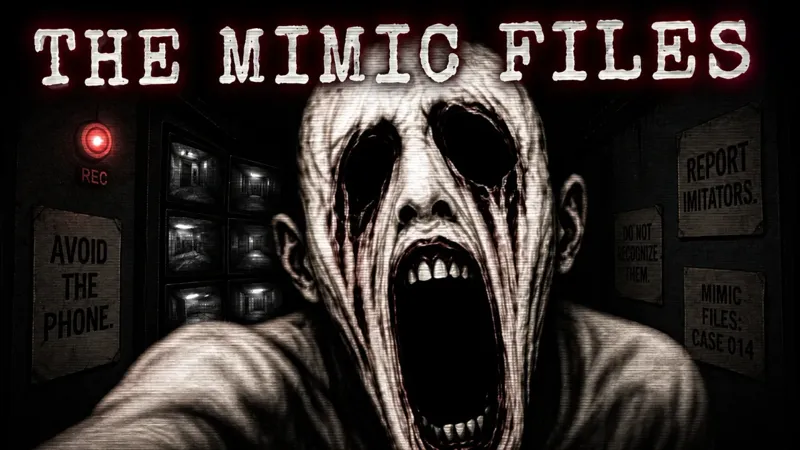 The Mimic FilesMade with Chatforce
Monitor cameras, hunt for clues, and decide who is human and who is an Imitator across four chapters.
The five pieces to describe first
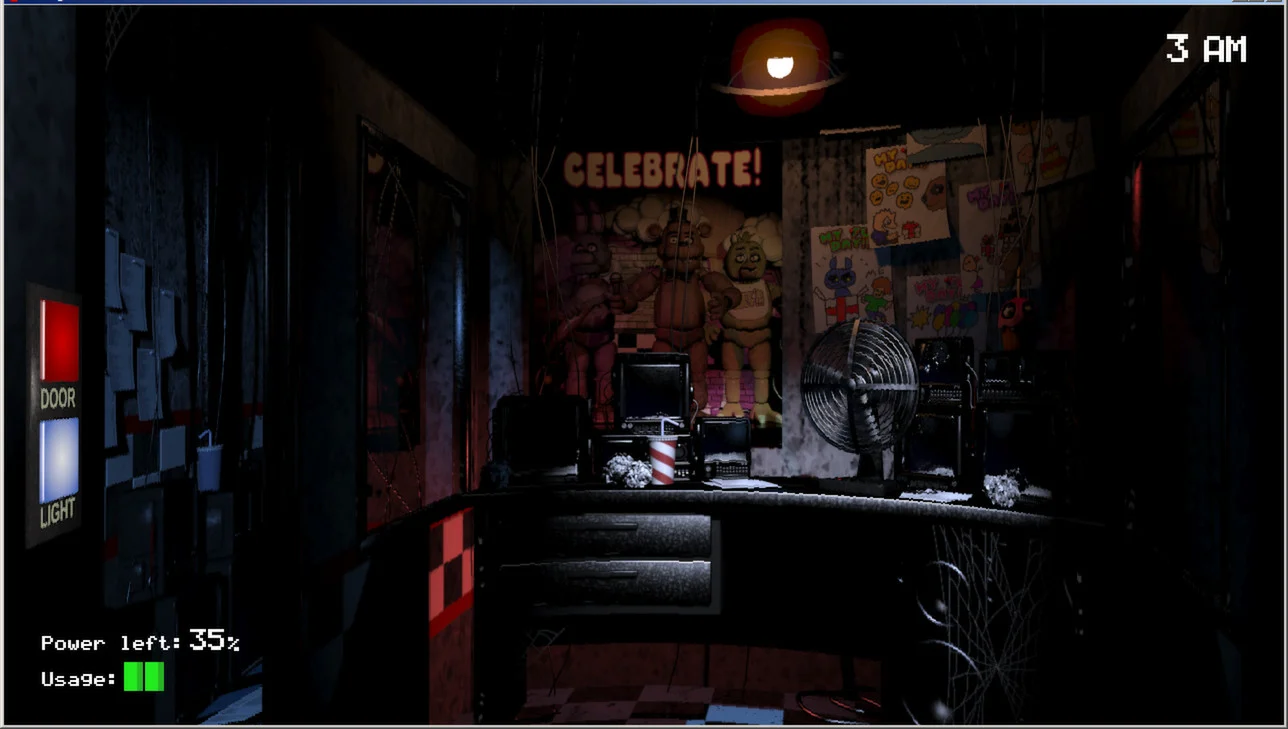
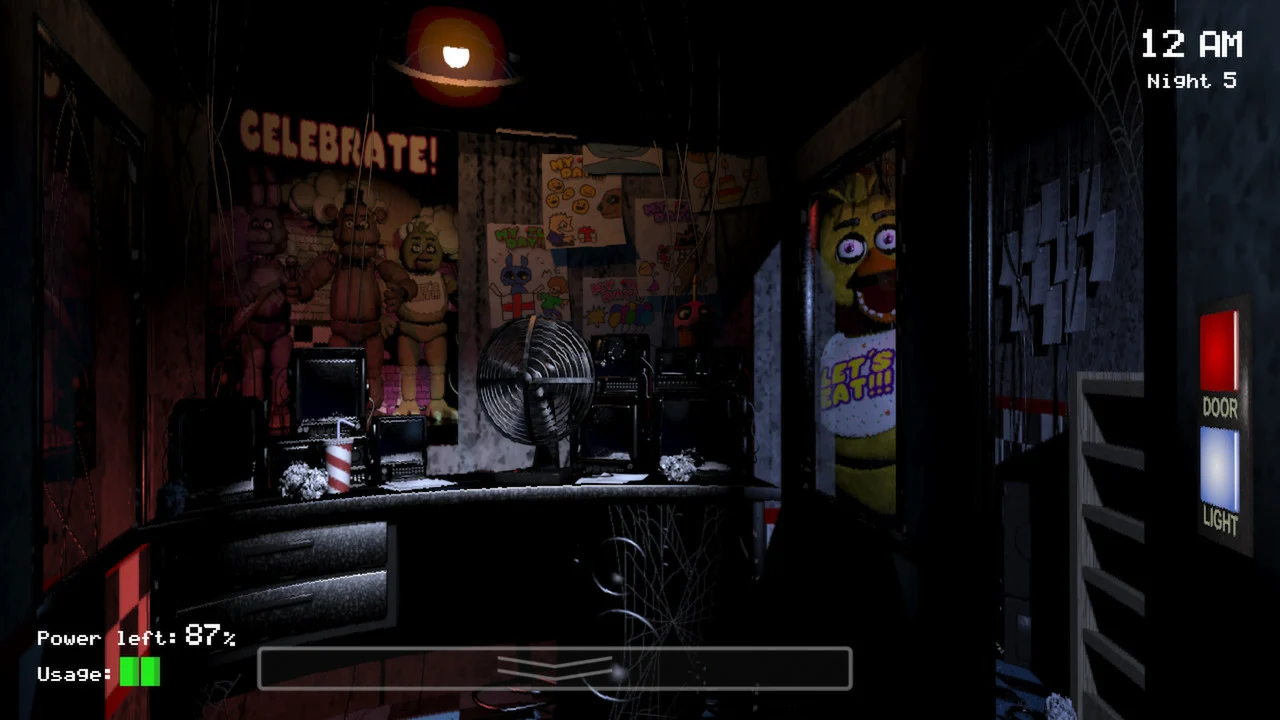
Five Nights at Freddy’s, on its Steam page, puts a guard in an office with cameras, doors, lights, and a power bar, then asks them to last until 6 AM. Screenshots on this page are from that Steam listing and are credited to Scott Cawthon. Use the loop. Do not use the characters, the names, or the pizzeria.
| Piece | What to describe |
|---|---|
| Cameras | Which rooms the player can watch, and what a camera costs |
| Doors | When a door closes, and how the player knows it worked |
| Power meter | What drains power, and what happens at zero |
| Night timer | How long a night lasts, and what changes next night |
| Jump scare | The moment a threat gets in, and that it ends the night |
How to make a game like FNAF
Choose 2D or 3D, then name the five pieces
Choose 2D or 3D when you create the game. That choice cannot be changed later. Horror is not one of the listed 2D scaffolds, so describe the loop in the prompt. A 3D office can use a directable camera, lighting, and generated models. A 2D game can show the office and the camera screens as panels. Say which rooms a camera can see, what closes a door, what drains power, how long a night lasts, and that a jump scare ends the night when the threat gets in.
Make the first night readable
Ask for one office, a small set of cameras, and one threat with a rule the player can learn. Show the power meter and the clock on screen. A door should have a sound or a light so the player knows it worked. Sound effects for a door, a camera switch, and a distant footstep do more work than a constant noise. Keep the jump scare short and non-graphic: it ends the night and returns the player to the night select. The same quiet-then-signal pattern is how a stealth game stays fair.
Change one thing each night
Say how many nights there are and what changes. A later night can add a camera that costs more power, a door that sticks, or a threat that moves when the player looks away. Do not add every threat on night one. Play the first night and check that a new player can name the rule before the timer runs out. Limited power is a small survival rule: the player spends it on purpose.
Publish the URL and keep it original
Chatforce publishes a browser game at a shareable URL. Players open it with no install and no account. The same link works on a phone and on a computer, with on-screen touch controls. You own the work, and the published game has no watermark. The steps from a sentence to that URL are in how to make a game without coding. A co-op horror loop, if you want friends in the building together, is closer to a game like R.E.P.O.
Example prompt: Make an original 3D horror game. The player is the night attendant in a closed aquarium office. Cameras show three tanks and a hallway. Two doors close on the office. A power meter drains while a camera or a door is in use, and the night ends at dawn or when the meter hits zero. If something enters the office, a short non-graphic jump scare ends the night and returns to a night select. Night one has one threat that moves only when its camera is off. Use original names, characters, art, music, and story. Do not use anything from Five Nights at Freddy’s.
Play the first night before you add a second threat
Open the URL and sit through night one without instructions. If you cannot tell what the power meter is paying for, say that in chat. If the jump scare arrives with no signal, ask for one warning the player can learn, such as a light or a sound. If the clock never feels close to done, shorten the night. Published games are in the gallery and on Play. See what creators have already shipped.
Frequently asked questions
Can I make a direct copy of Five Nights at Freddy’s?
No. Use it as a reference for the night-guard loop only. Make an original game with your own names, characters, art, music, and story. Chatforce is not affiliated with Scott Cawthon or Steel Wool Studios.
Which mechanics should I describe first?
Describe the cameras, the doors, the power meter, the night timer, and the jump scares first. Then describe the place the player is guarding and what happens if the threat gets in.
Can the game be 2D or 3D?
Yes. Choose 2D or 3D at creation. That choice cannot be changed later. A 3D office can use a directable camera. A 2D game can show the office and the camera screens as panels. Both play in a browser.